




About Incinque
We Are Who Will Grow Your Business
Incinque is a global business process outsourcing organization brought into existence by five IT experts. With continued diligence, vigor, and persistent optimism our team now has a strong headcount of a hundred well-versed agents.
10+
Years Experience on Business Consulting
New EPFO Guidelines
The Employees' Provident Fund Organisation (EPFO) has introduced a new method for generating and activating the Universal Account Number (UAN).
Effective from August 1, 2025, employees can now generate their UAN directly through the UMANG App using Aadhaar-based Face Authentication Technology.
This change was announced in an official EPFO circular dated July 30, 2025.
What's New?
EPFO has now made three services available on the UMANG App using
Face Authentication Technology:
- UAN Allotment and Activation - For those who don't have a UAN.
- UAN Activation - For those who already have a UAN but haven't activated it.
- Face Authentication for Activated UANs - For updating EPFO records via Aadhaar.
To Activate an Existing UAN:
- Go to "UAN Activation" on the UMANG App.
- Enter your UAN, Aadhaar number, and mobile number.
- Consent and send OTP.
- Complete face scan for verification.
- A temporary password will be sent by SMS, and your UAN will be activated.
- To Update EPFO Records with Face Authentication:
- Use the "Face Authentication of Already Activated UANs" option to verify your Aadhaar and update records directly in the EPFO system.
Step-by-Step: How to Create or Activate UAN
- Download and open the UMANG App.
- Select "UAN Allotment and Activation".
- Enter your Aadhaar number and mobile number.
- Give consent and send the OTP.
- Install Aadhaar Face RD App, if not already installed.
- Complete Face Authentication.
- If your Aadhaar isn't linked to any UAN, a new UAN will be generated and sent via SMS.
Benefits of the New System:
- No need to contact employer for UAN generation.
- Quick, secure process through Aadhaar verification.
- Access to EPFO services instantly - such as passbook viewing, KYC updates, and claim submission.
- Photo and address update directly from Aadhaar.
Our Incinque Members
expert professionals
















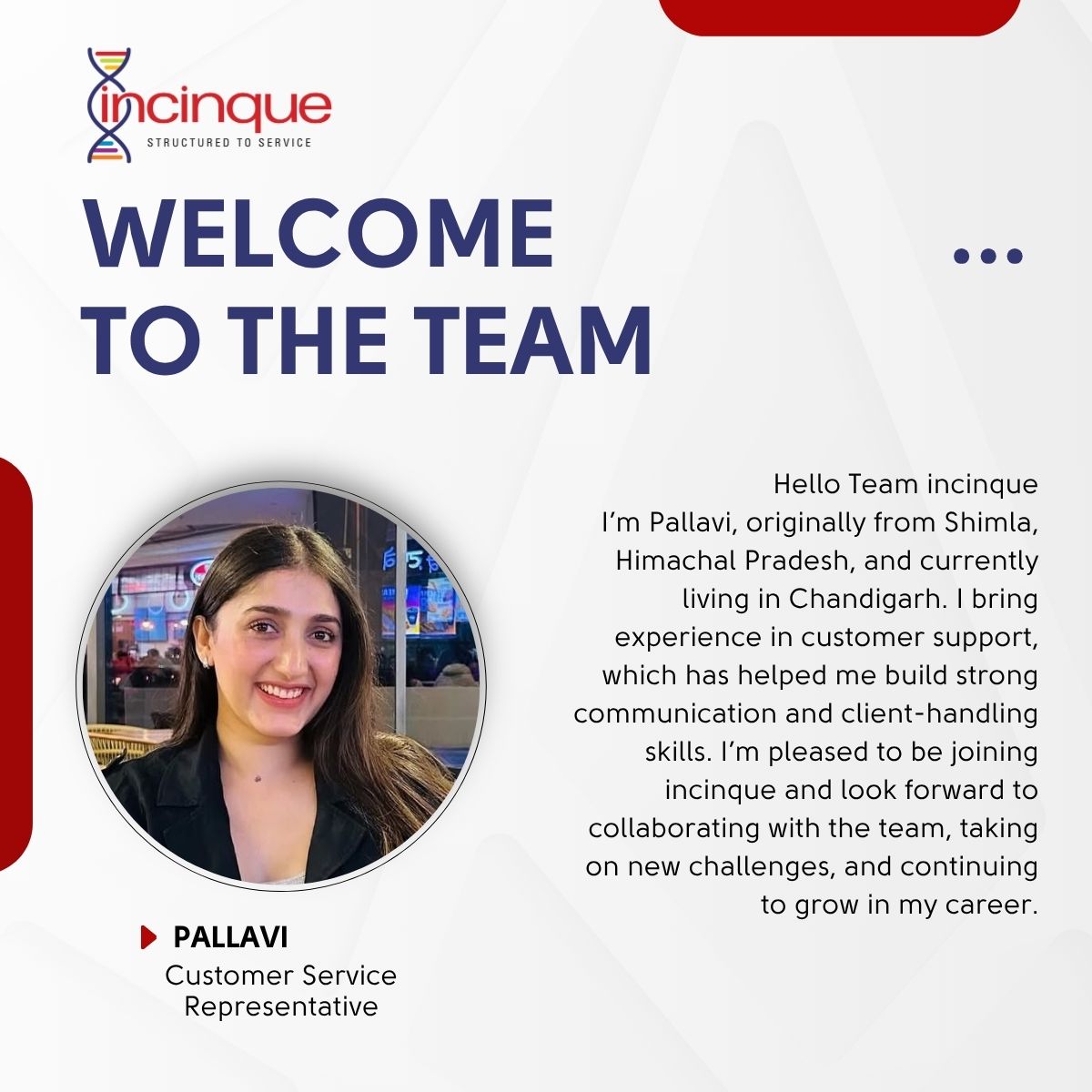
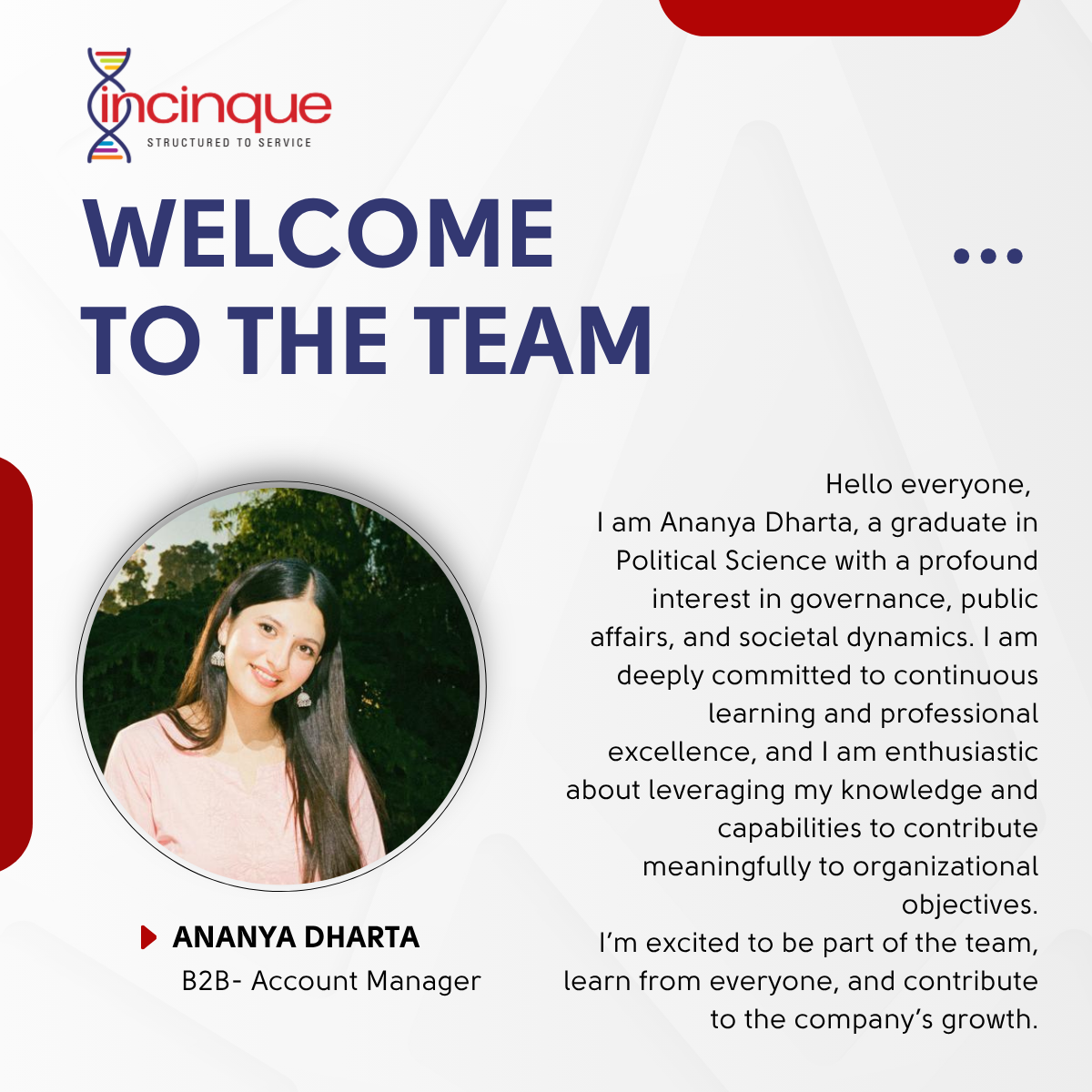
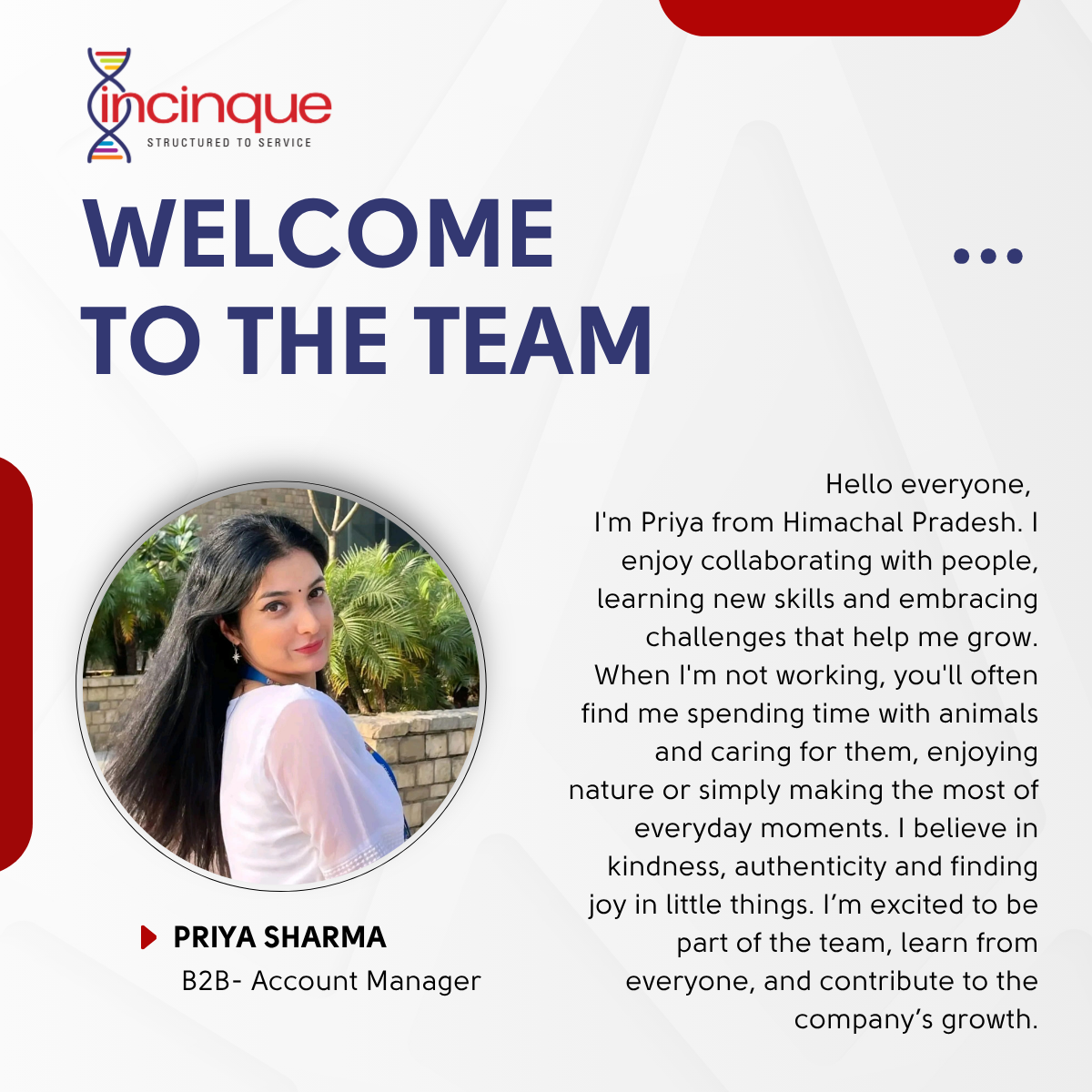
New team Members
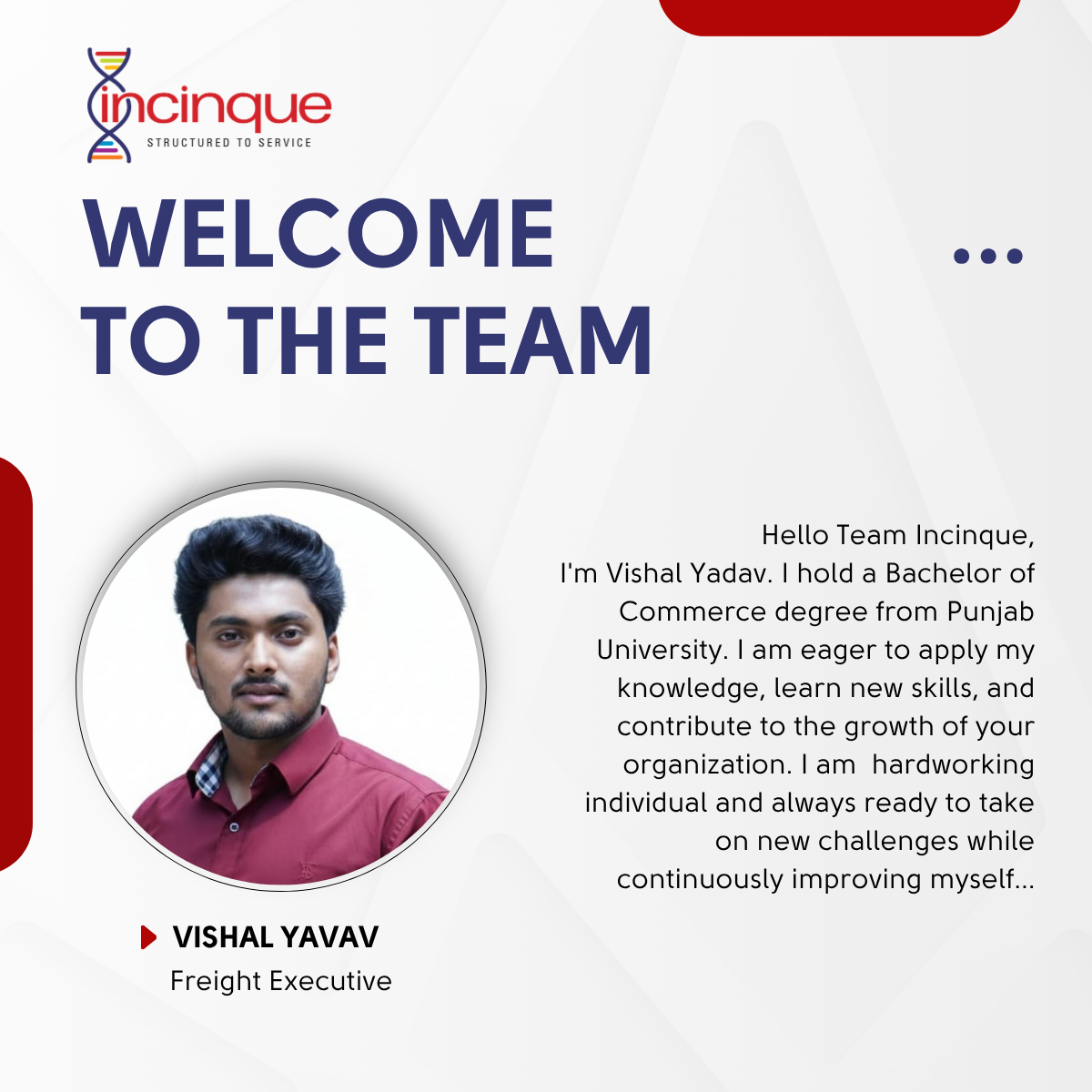
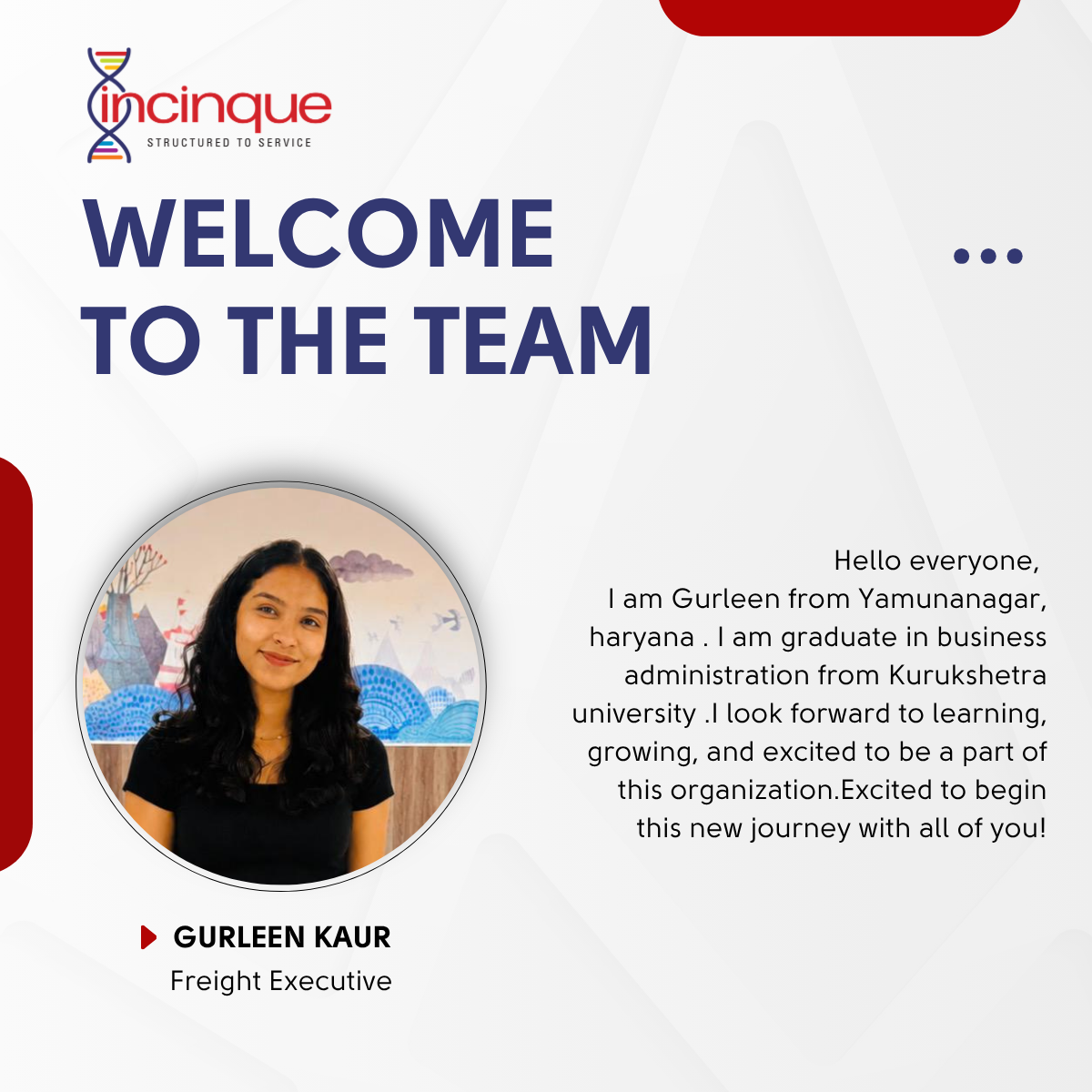
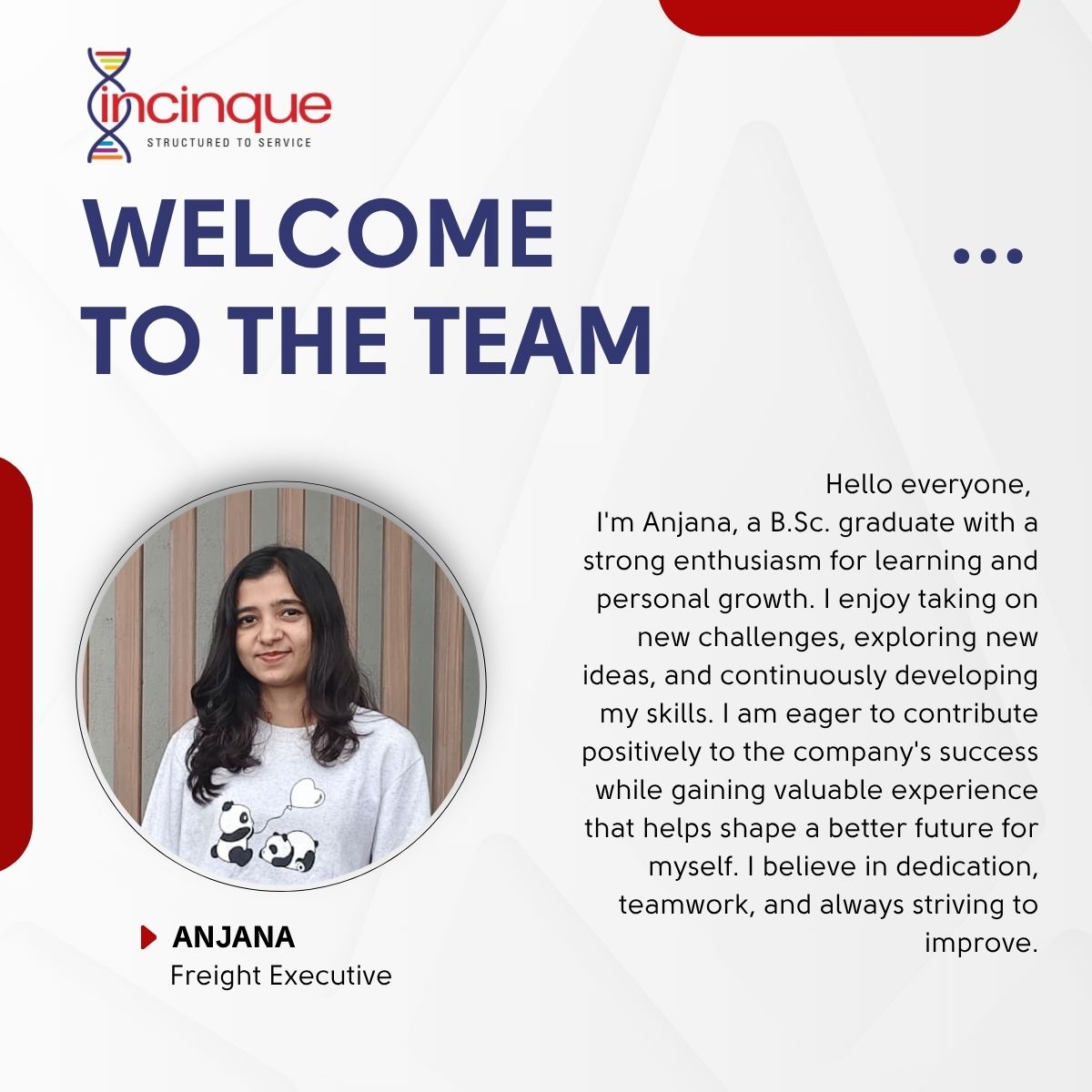
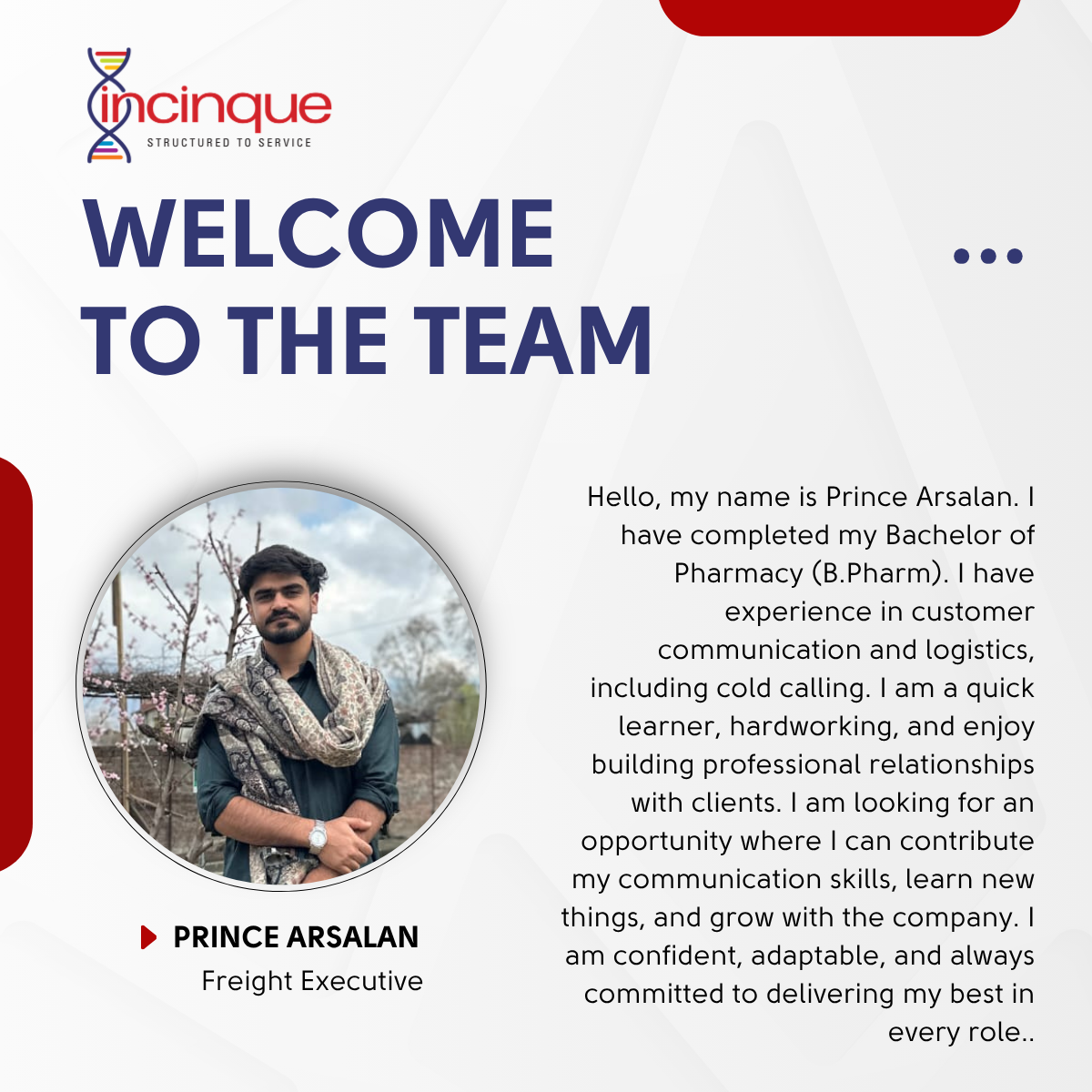
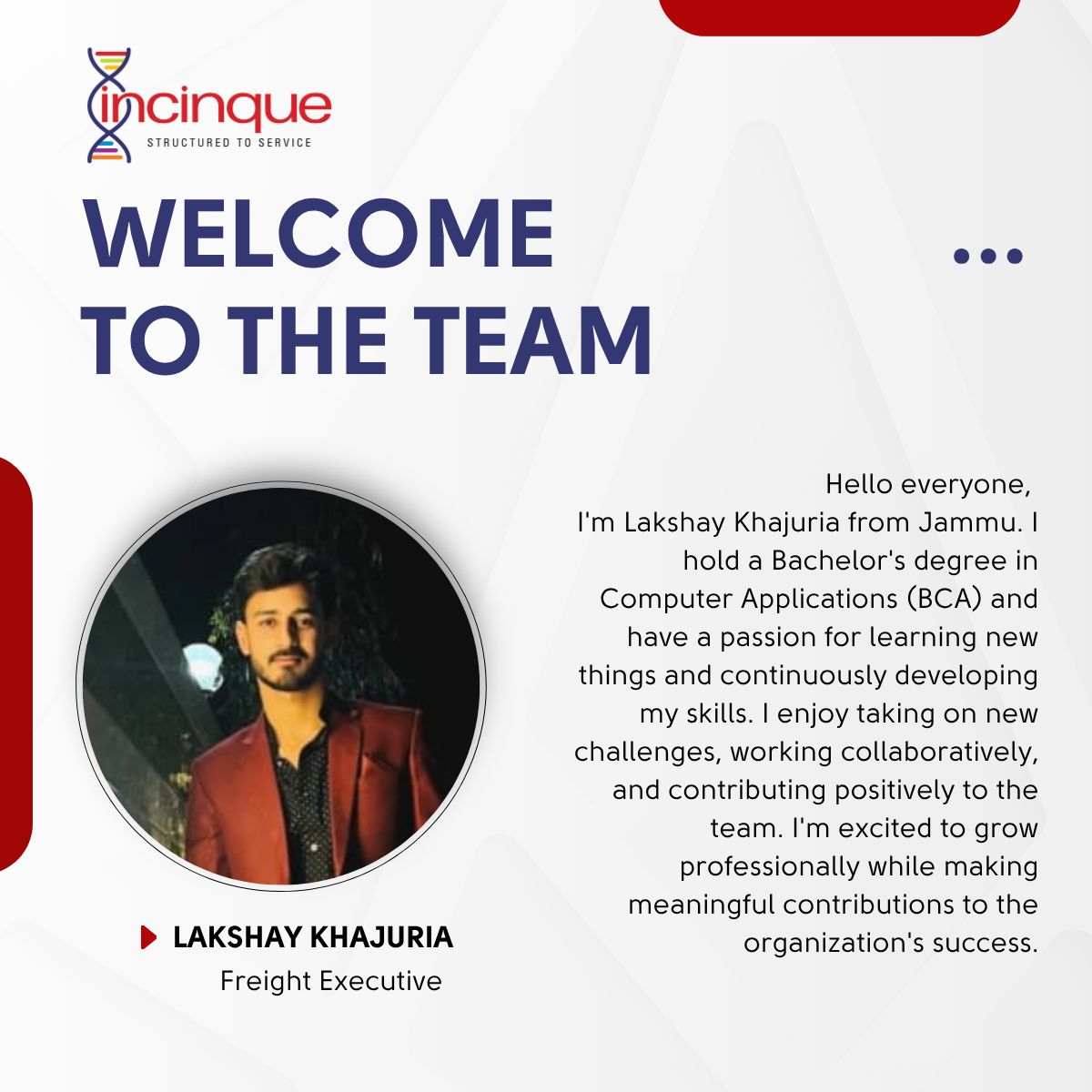
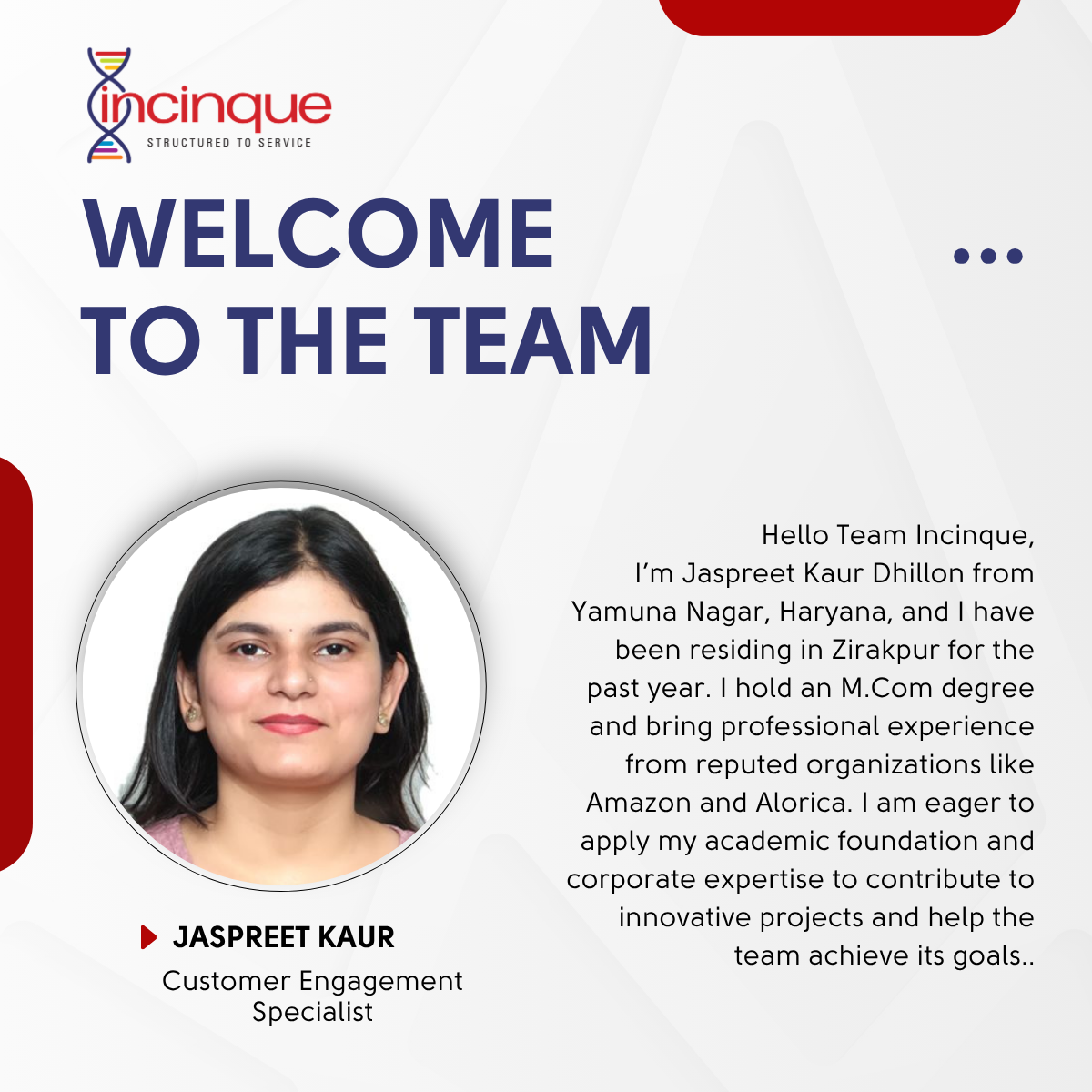
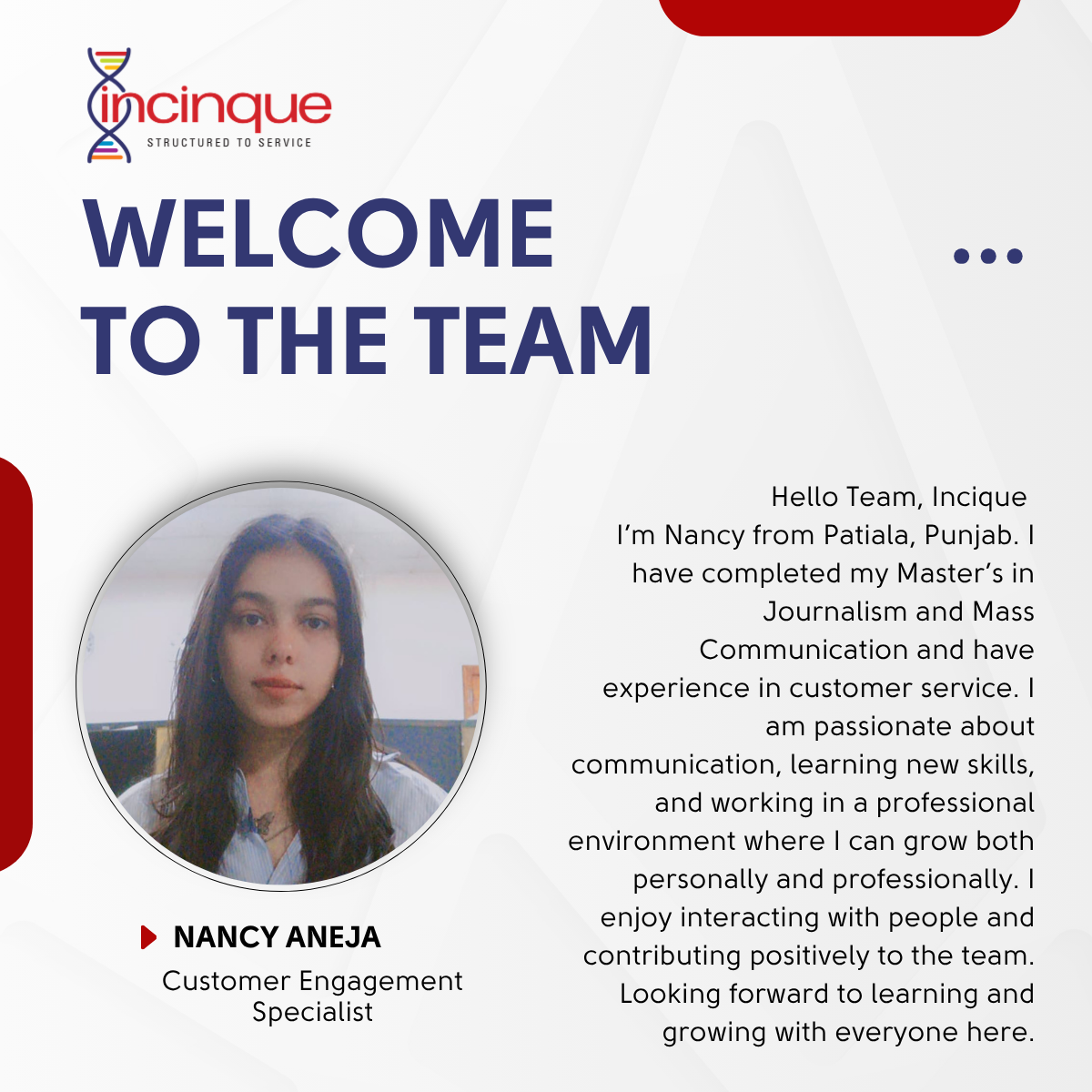
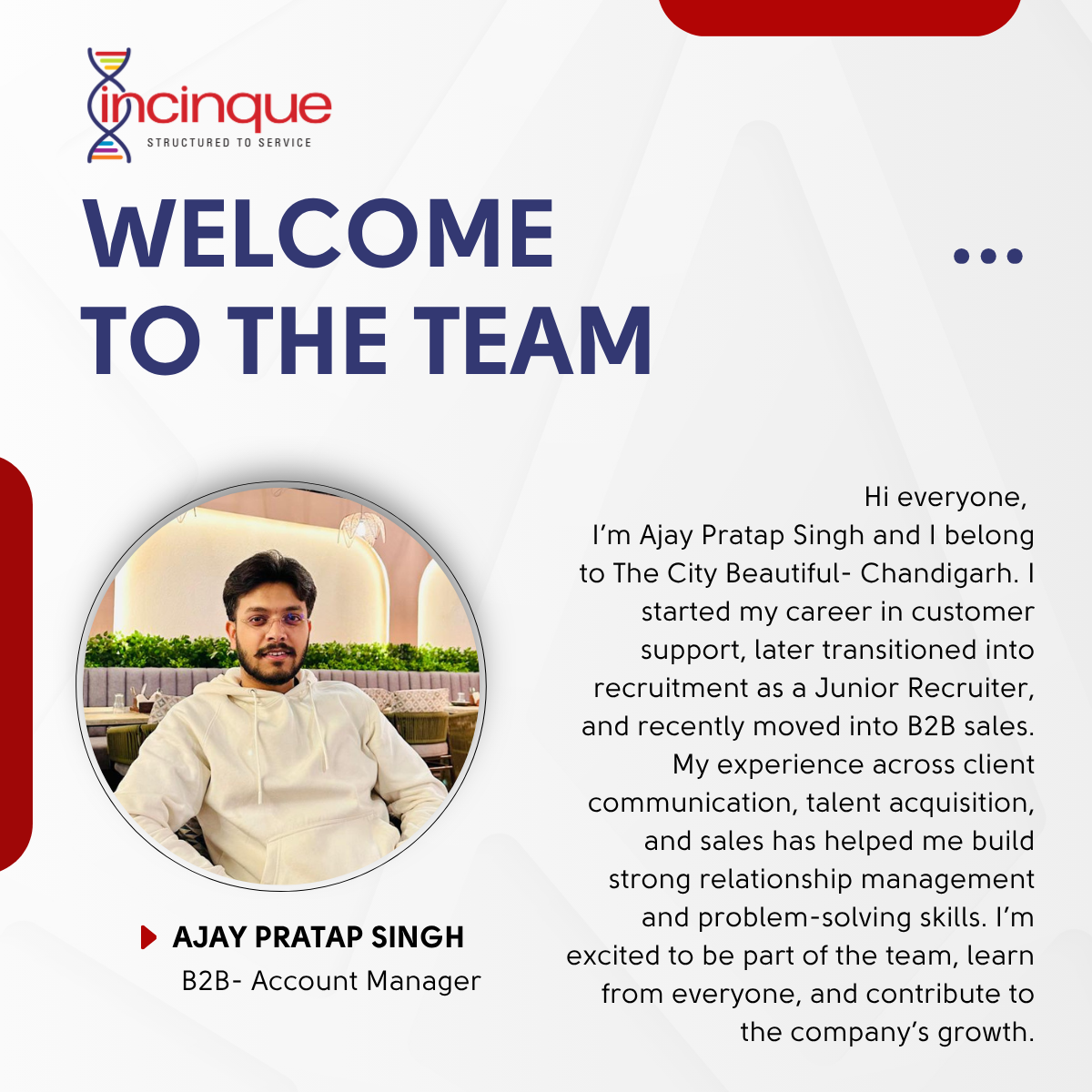
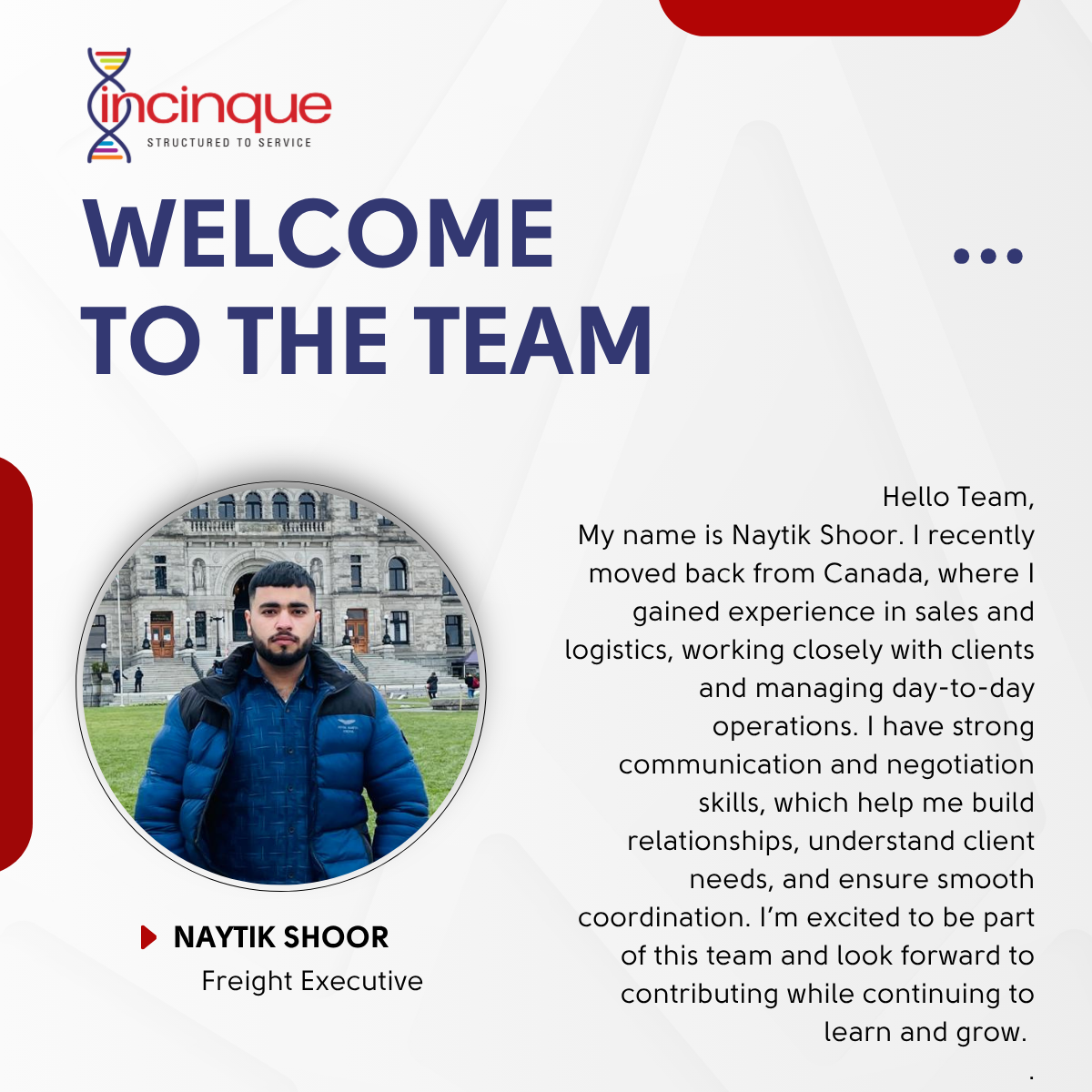
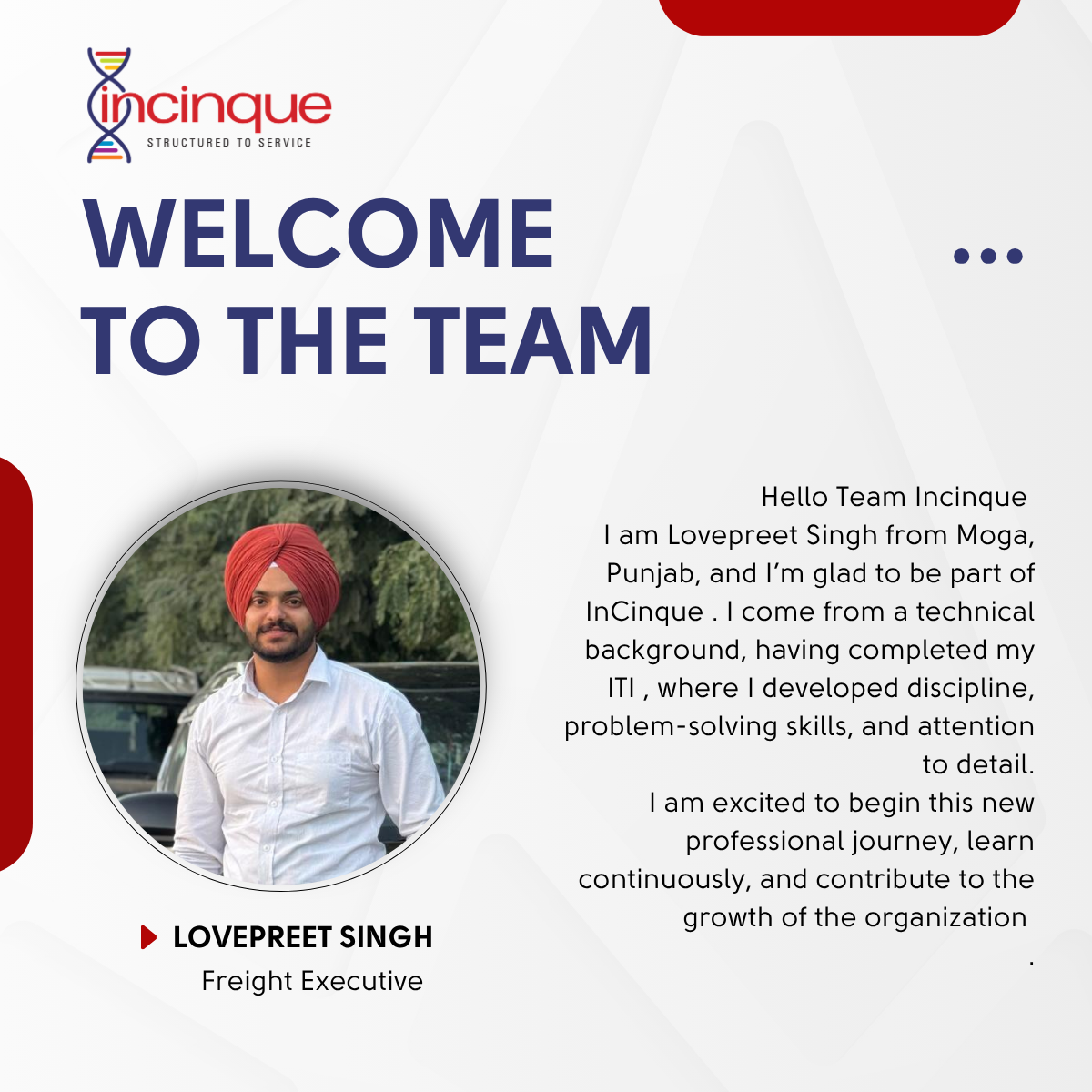
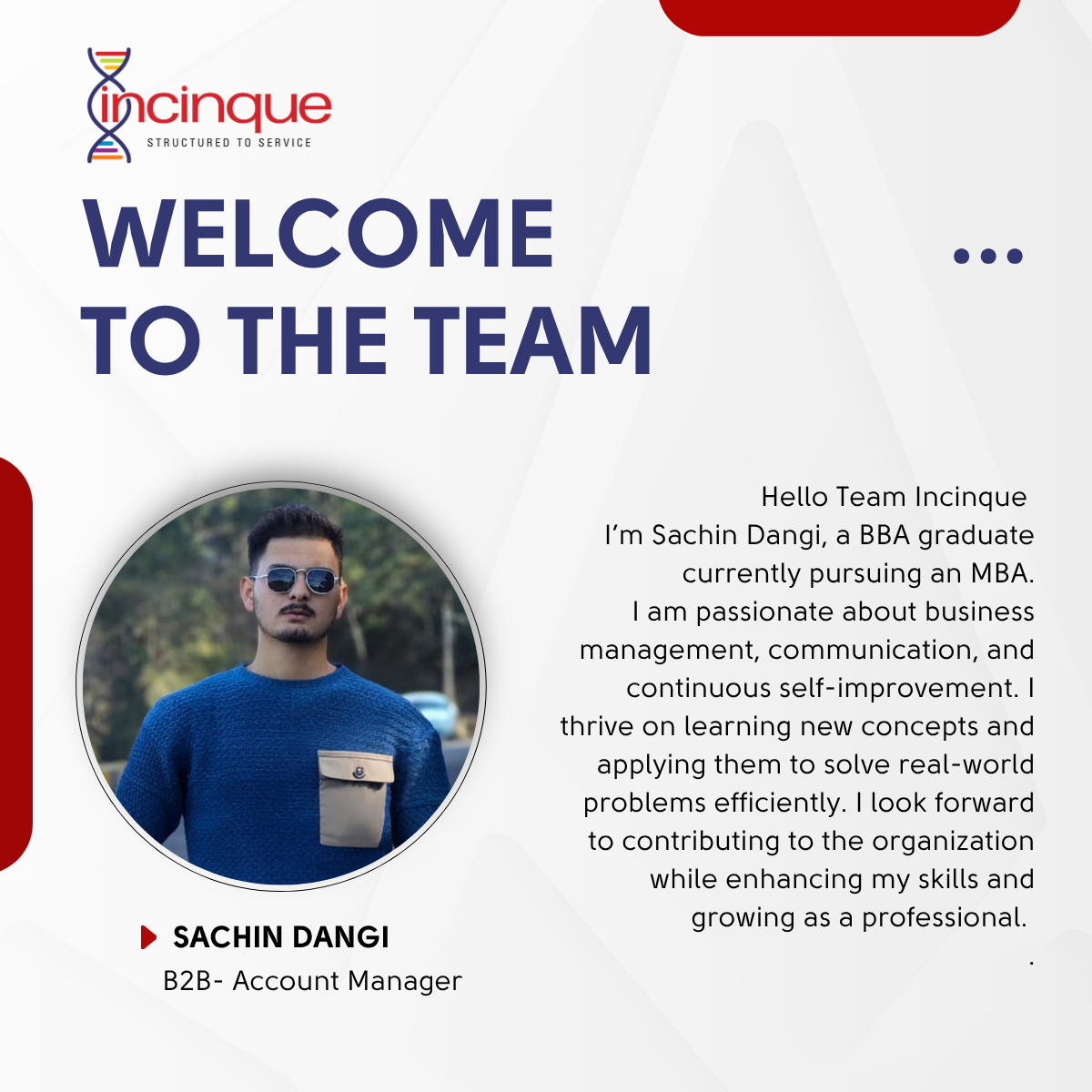
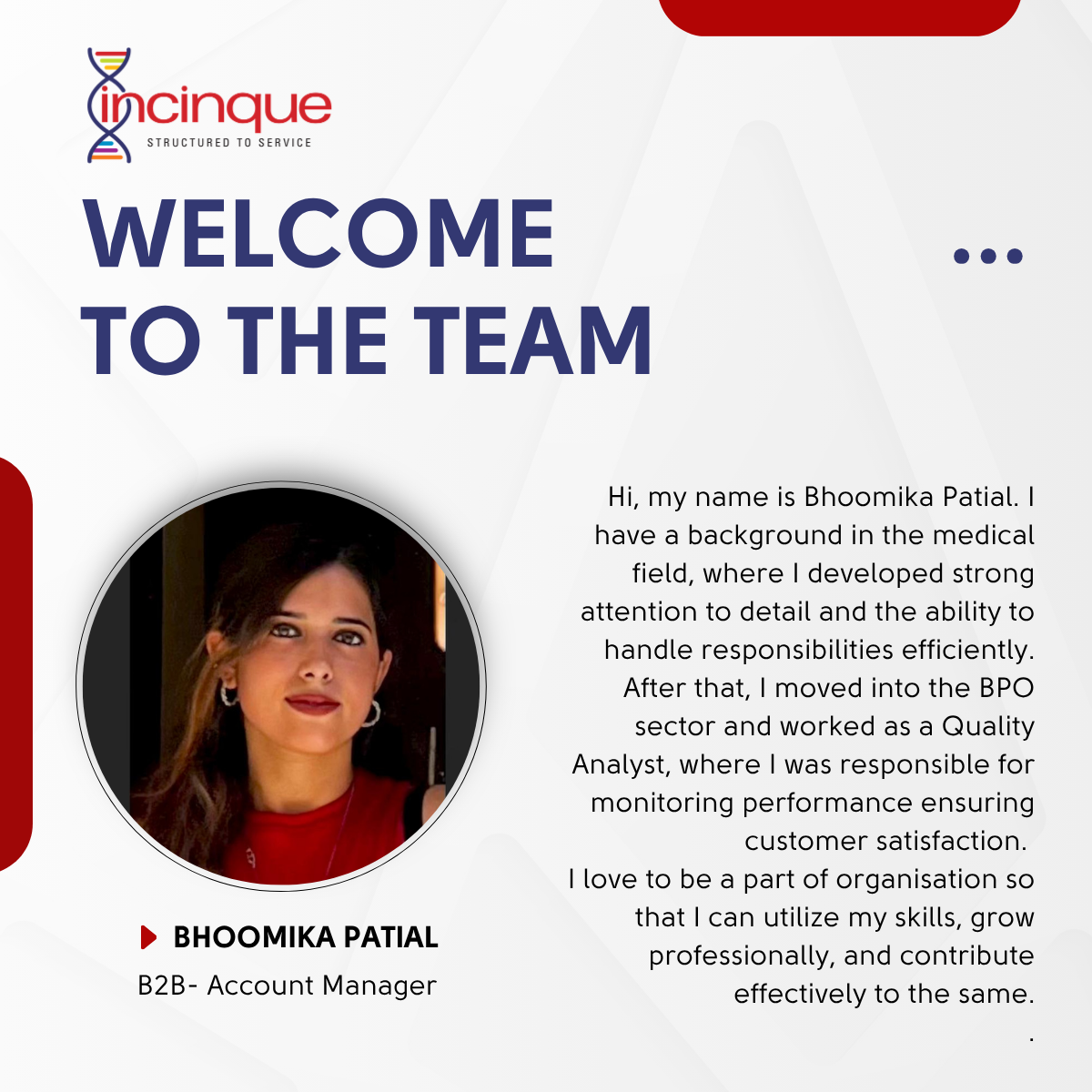
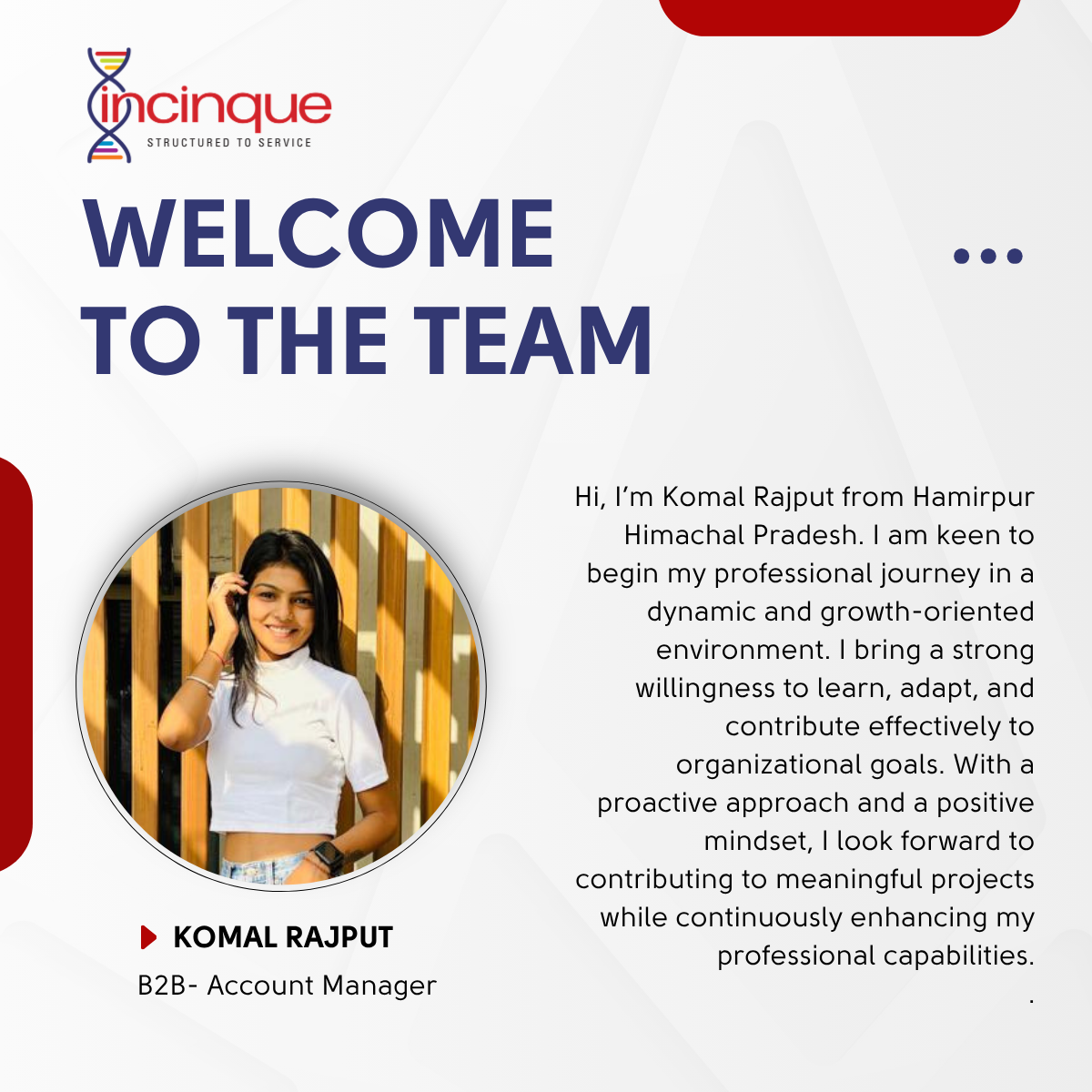
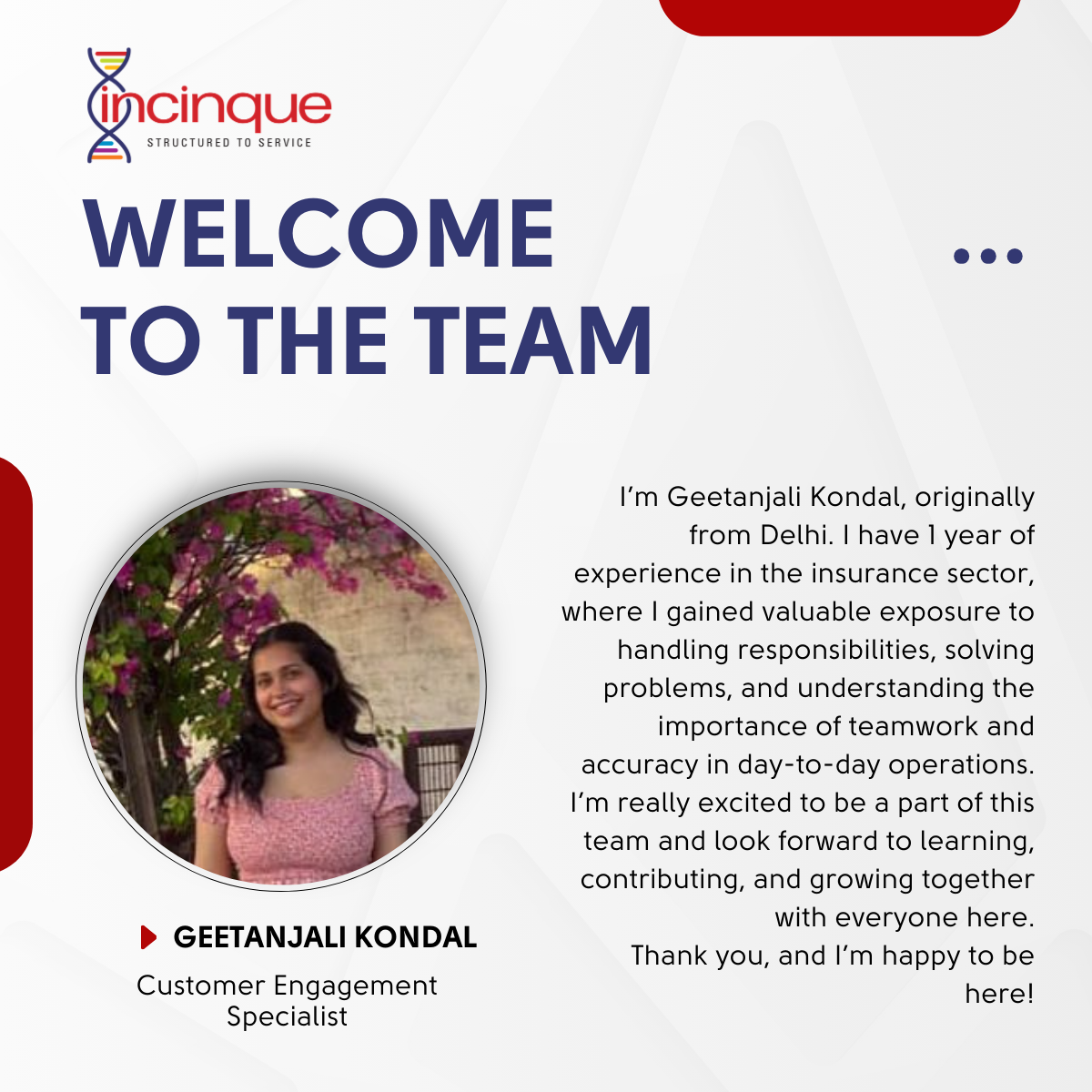
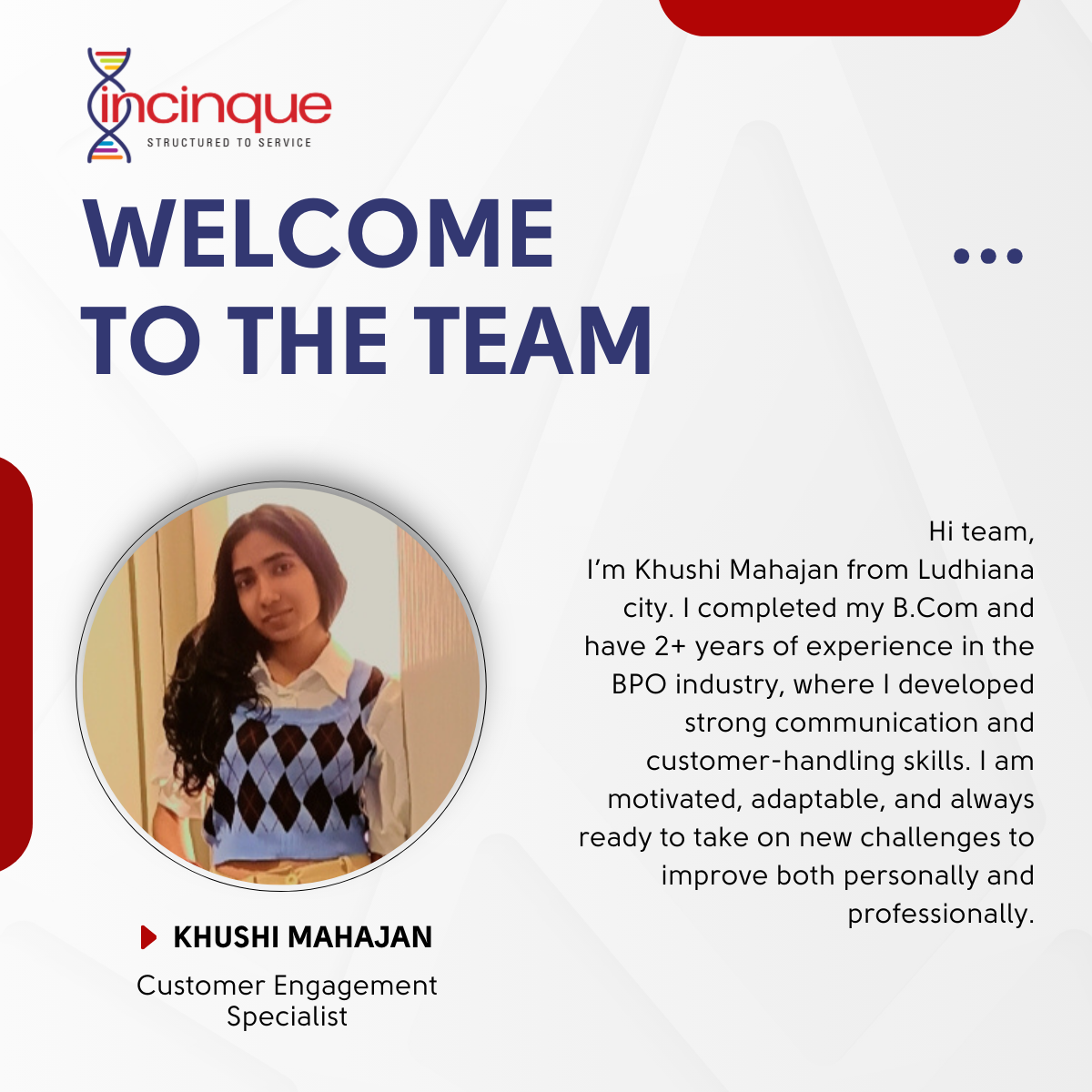
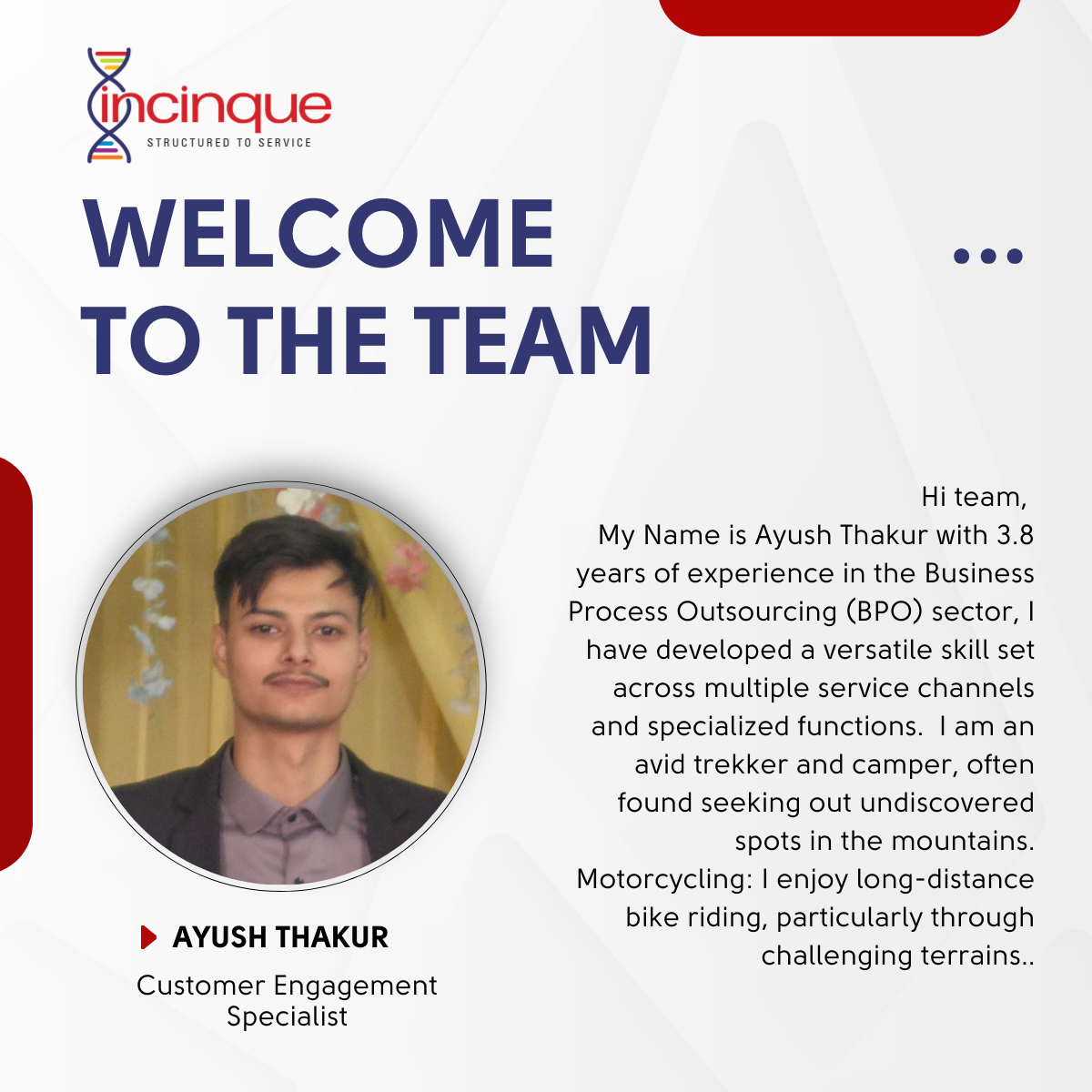
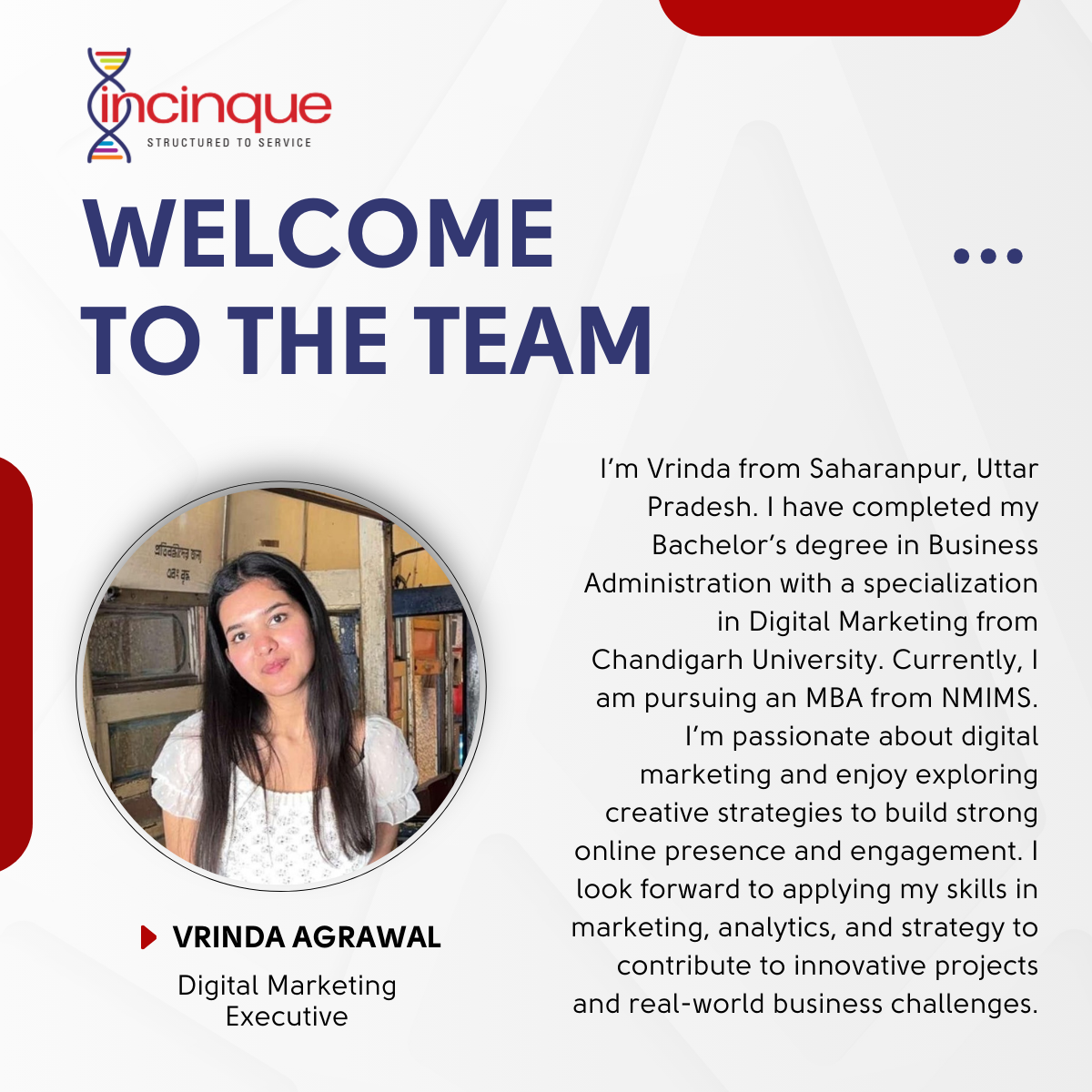
Welcome To The Team
Good business planning ensures success.
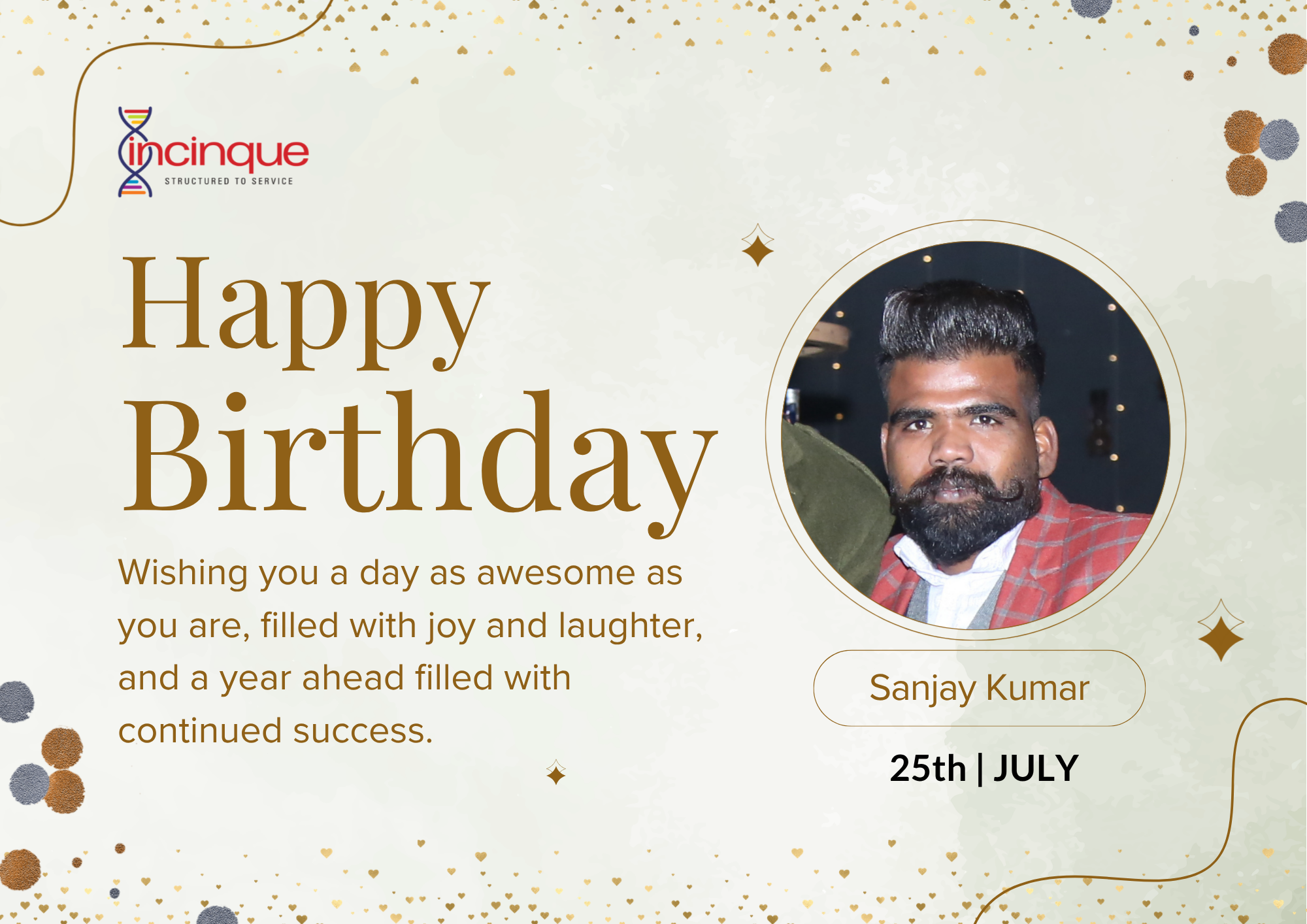
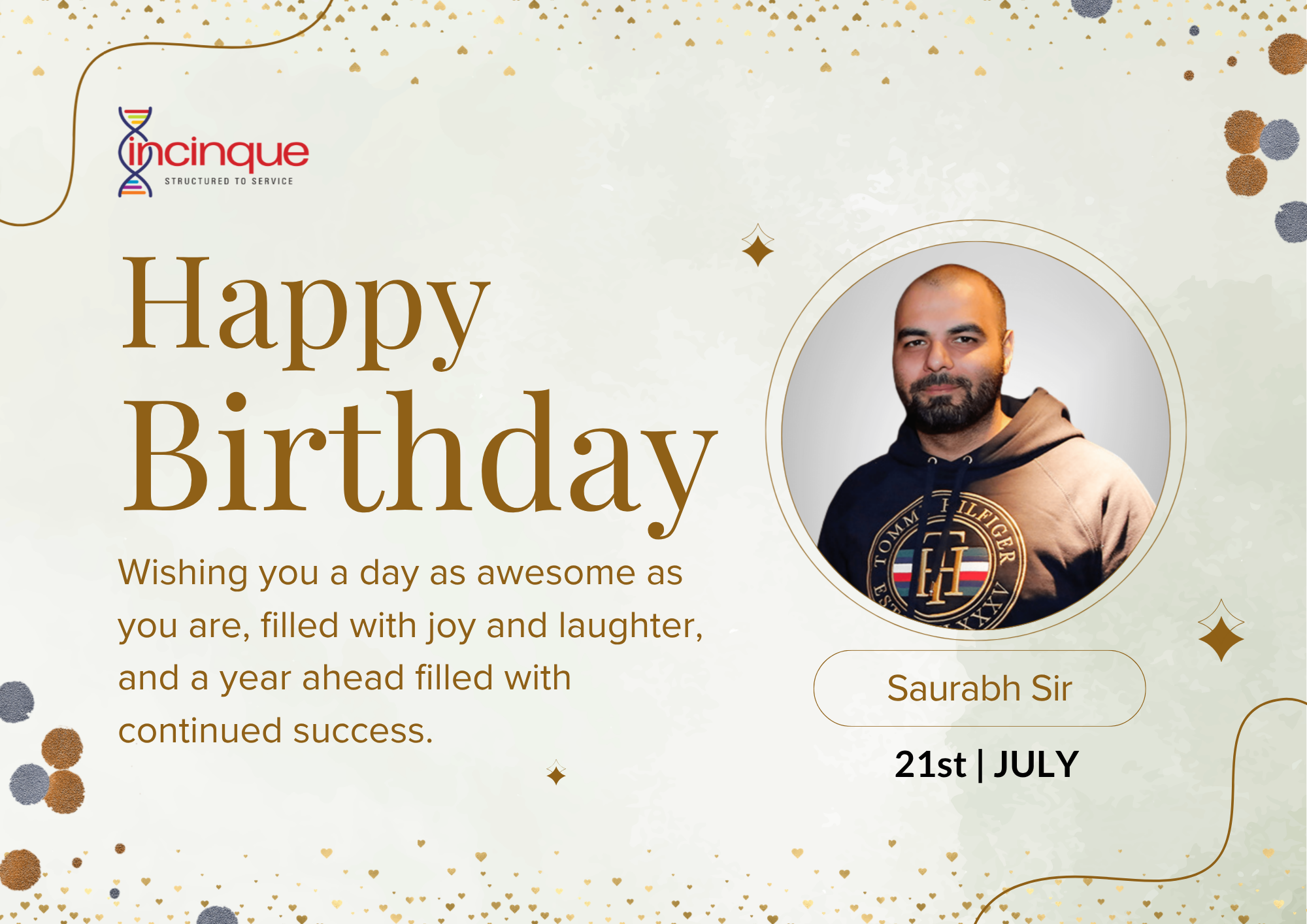
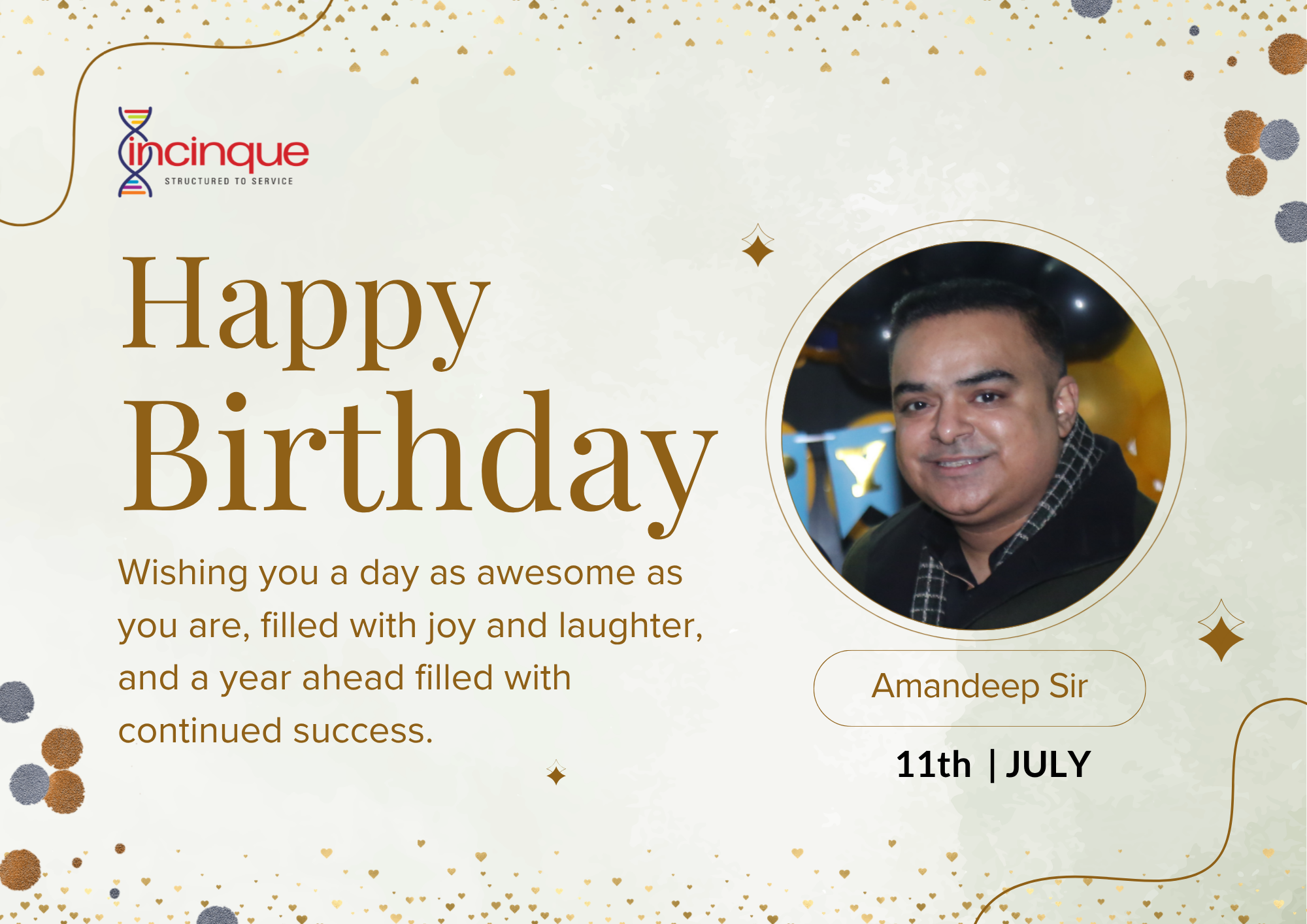
Best Wishes
Best Wishes from us
Salary Slips and More..
Get instant access to your salary slips on  . Download the app NOW!
Android

iOS